
Play Daman Game Online
You do not install anything to play Daman Game online. Open the start page, tap Start the run and the first twelve cards are already dealt. This page covers the small things that make the browser experience better: screen size, sound, the home-screen shortcut and what to try when something will not load.
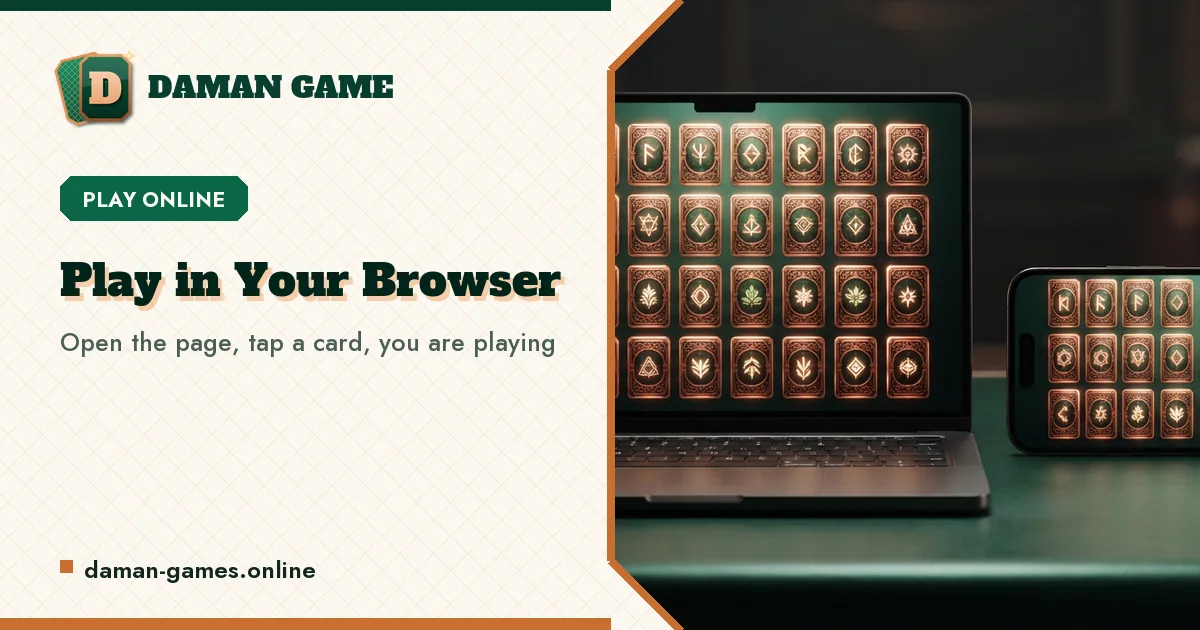
Playing on a phone
Hold the phone upright. Daman Game is laid out for a portrait screen first, so the clock, the score and the whole board fit without scrolling on most phones. The cards are sized for a thumb: every card is well over the 44-pixel touch target that accessibility guidelines ask for, even on the 30-card board.
If the page is zoomed in, pinch back out or double-tap an empty area. Zoom does not break the game, but it can hide the clock, and the clock is half of the game.
Playing on a laptop or desktop
On a wide screen the board sits on the left and the quick rules on the right, so you can glance at the combo ladder between rounds. Click a card to turn it. Prefer the keyboard? Press Tab to reach the board, use the arrow keys to move between cards and press Enter or Space to turn one over. Keyboard and mouse can be mixed in the same run.
Add it to your home screen
The site can sit on your phone like an app without being one. Nothing is downloaded from a store; the browser simply saves a shortcut with the Daman Game icon that opens the page full screen.
- Android (Chrome or Samsung Internet): open the menu (three dots), choose Add to Home screen or Install, then confirm.
- iPhone or iPad (Safari): tap the Share button, scroll to Add to Home Screen, then tap Add.
- Desktop Chrome or Edge: use the install icon at the right end of the address bar, if your browser shows one.
Sound, motion and comfort
Flip Pairs makes short, quiet blips: a tick when a card turns, a rising chime for a match, a low note for a miss. The speaker button at the top of the board mutes them, and the choice is remembered. If your device is set to reduce motion, the card turns and the shrink animation are switched off and the cards change instantly instead.
When the page will not load
- Check the address. It is daman-games.online, with a dash between the two words.
- Reload once. A half-loaded page on a weak signal usually fixes itself on the second try.
- Close other heavy tabs. Old phones free up memory and the animations become smooth again.
- Update the browser. Very old versions may not support the card-turning effect.
- Still stuck? Tell us what you see on the contact page, with your phone model and browser.
Your progress between visits
Your best score, the furthest round you have reached and your practice records are saved in this browser. Come back tomorrow on the same phone and they are still there. Changing phones? Make a player card on the login page and carry it over with the player code.
Questions on this page
Which browser plays Daman Game best?
Any browser released in the last few years. Chrome and Samsung Internet on Android, Safari on iPhone and Edge or Firefox on a computer all run Flip Pairs the same way.
Can I play Daman Game online on a slow connection?
Yes. The page is light and the game itself needs no connection once it has loaded, so a weak signal only slows the first visit. A run never waits for the network.
Why did my run pause on its own?
Switching tabs, locking the phone or opening another app pauses the clock so you do not lose time you were not playing. Tap Resume to carry on.
A run takes about two minutes
Twelve cards, a short peek, then the clock starts. See how far you get.